Features + Grid
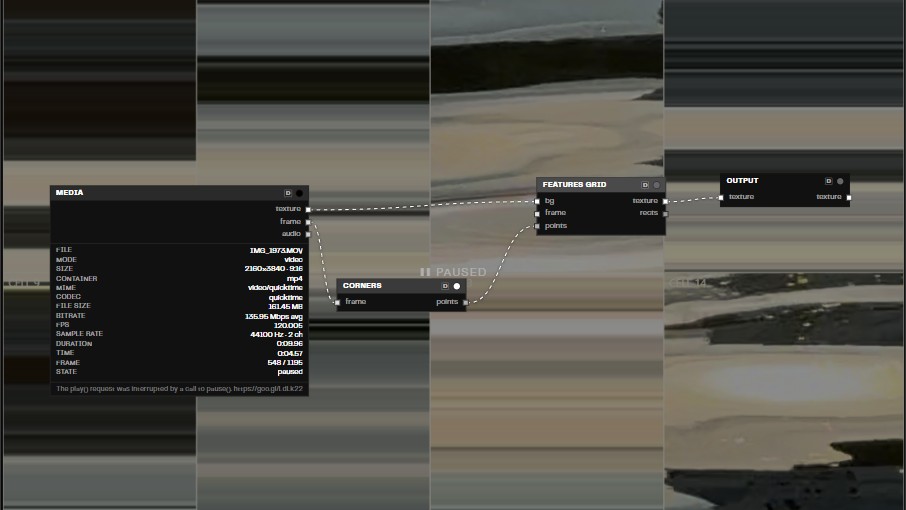
The Features + Grid preset does two things: it finds “interesting” points in the image, then draws a grid from them.
Try it in Visio.
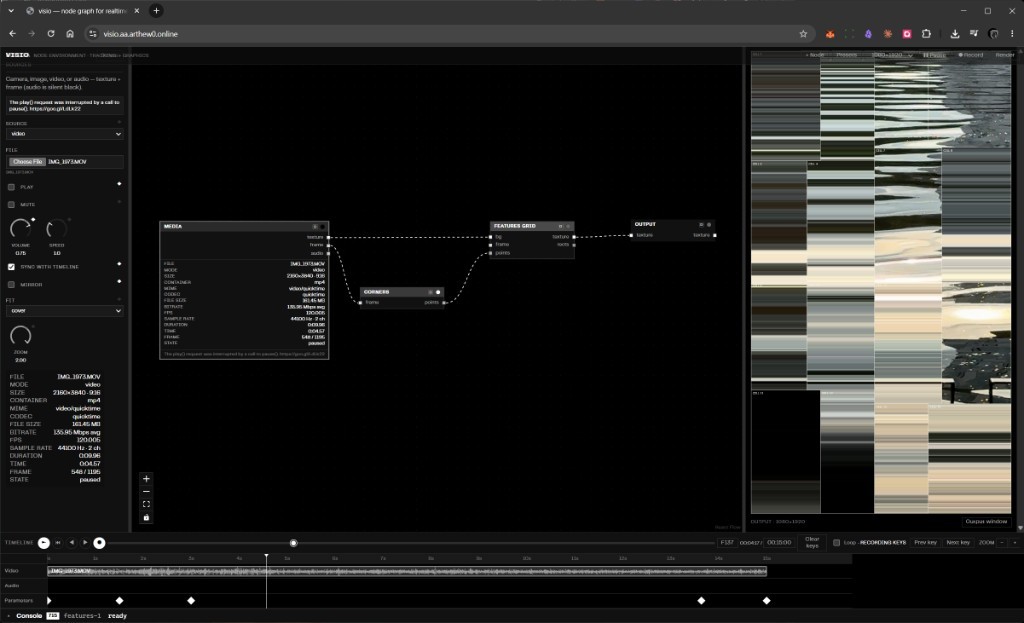
Step 1. Corners — find the corners
The Shi–Tomasi algorithm looks at the frame and finds places where brightness changes sharply in two directions at once — corners and high-contrast detail (not smooth blobs, not plain lines).
From all detected points it keeps:
- the strongest ones (quality threshold),
- ones that aren’t too close to each other,
- no more than a set limit.
You get a point cloud that clings to the texture of the frame.
Step 2. Features Grid — build the grid
The frame is recursively cut into rectangles, like a Mondrian painting:
- cut along the long side,
- the cut line runs through the midpoint of the points inside the piece,
- stop when the rectangle is small enough or there are no points left in it.
Each resulting rectangle is outlined with a border.
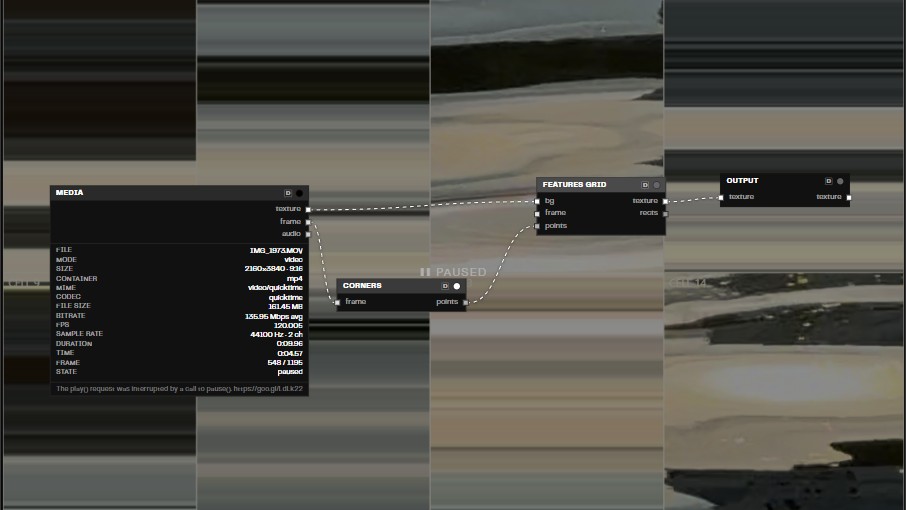
The main point
Points are recomputed every frame from scratch — there is no motion between frames here.
That is what sets this preset apart from FeaturesTracking: there the same corners are additionally tracked with optical flow, short-lived ones are filtered out, and survivors are drawn as motion lines. That full pipeline in the app is a separate Features Tracking preset; Features + Grid uses only the corner detector.