Visio
- year
- 2026
- type
- art
- tools
- WebGL2, MediaPipe, TypeScript, React
- role
- author
- description
- A live node-based audiovisual instrument in the browser: computer vision into graphics and granular sound.
Visio is not a conventional video editor. It is a live, node-based audiovisual instrument that runs entirely in the browser. It looks at an image, video, or camera feed through computer vision, extracts structure from what it sees, and immediately turns those points, skeletons*, corners, and motions into graphics and sound*.
Created by Alexey Roudenko (arthew0) — a media artist and physicist whose work connects computer vision, sound synthesis, and synesthesia with the lineage of the Russian avant-garde (Kandinsky, Malevich, Scriabin) — Visio is one of the most direct tools in that tradition: not a simulation of a pretty picture, but a system that observes the world and answers it with form.
Open visio.aa.arthew0.online.
* — coming in 1.0.0, already in testing. The live site currently ships a reduced set.
Core idea
The pipeline is deliberately simple and strict:
Media → Tracking → Drawing → Effects → Granular audio*
- Drop a file anywhere on the window (or open the camera). The Media node reads not only the image but also rich metadata — codec, bitrate, capture time and location, camera and lens — even from iPhone clips where the
moovatom sits at the very end of the file. - Tracking nodes extract structure: MediaPipe* pose (33 points)*, hands*, face mesh*, object detection*, Shi–Tomasi corners, optical-flow feature tracking (pyramidal Lucas–Kanade), Hough circles and lines*.
- Drawing nodes turn that data into skeletons*, points, lines*, particles, Voronoi* and Delaunay* diagrams, minimum spanning trees*, radial layouts*, quadtrees, and Mondrian-style recursive grids.
- Effects layer feedback, displacement, pixel sorting, custom shaders*, and blending.
- The distinctive move: the Features Grid (or other geometric outputs) can drive a Granular* synthesizer. Each rectangle or cell becomes a trigger or looping voice. The picture starts to sound.
There is no timeline. You are not cutting a clip — you are composing a living perceptual machine that runs every frame.
Distinctive features
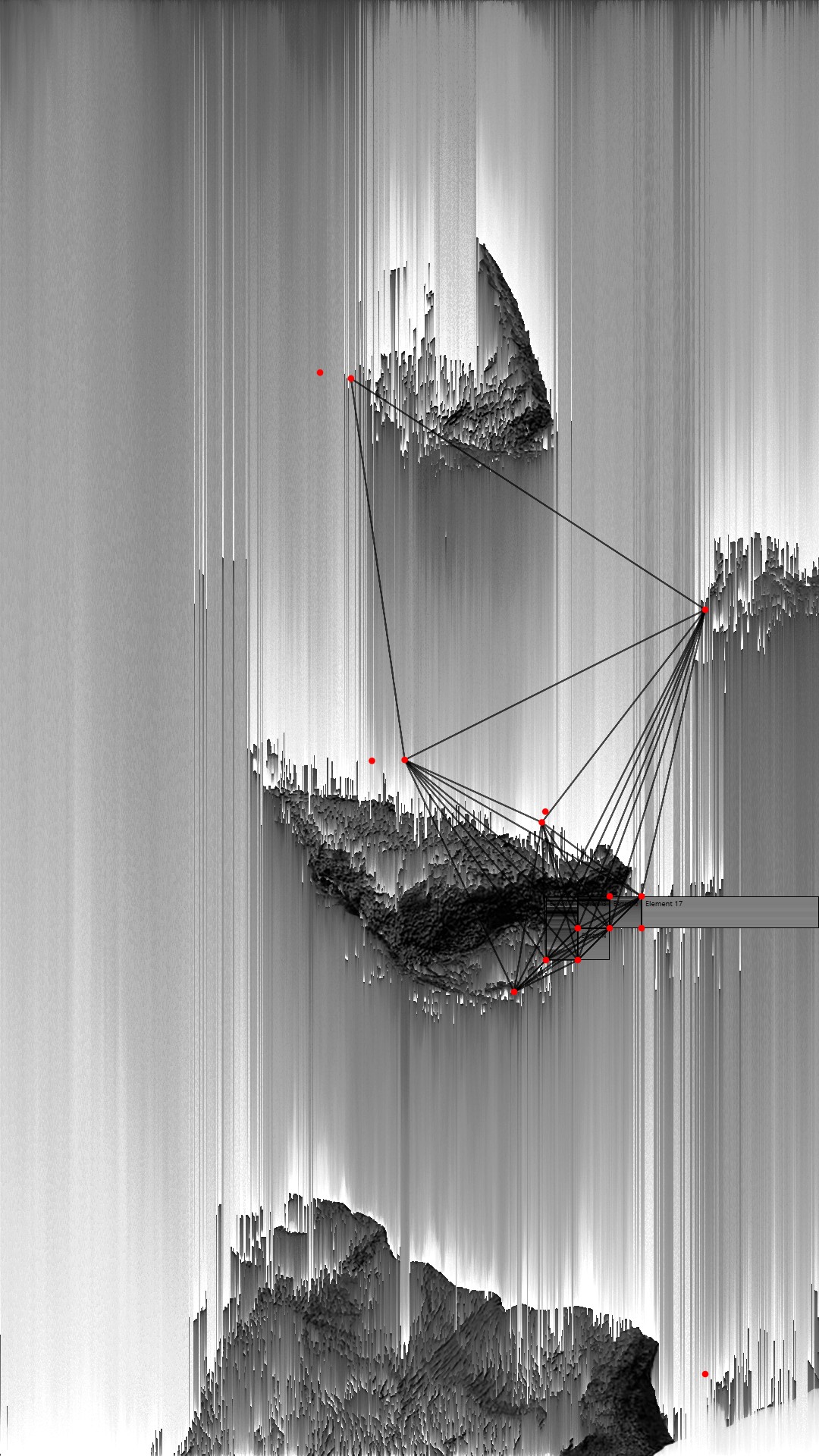
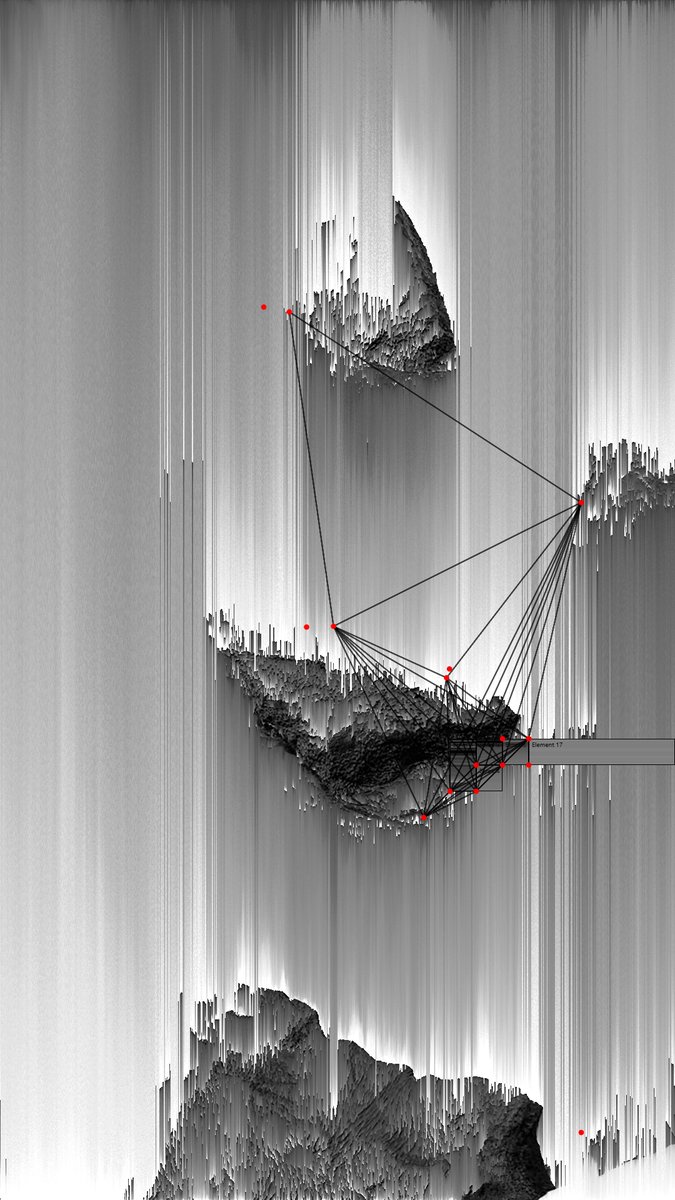
Features Grid is one of the most characteristic ideas. Every frame, Shi–Tomasi corners are detected afresh. The frame is then recursively subdivided into rectangles in the spirit of Mondrian: each cut is made along the long side through the midpoint of the points inside that region. There is no inter-frame tracking in this particular mode — only the texture of the current frame turned into rigid geometry. The result feels both analytical and painterly.
Beside it sits Features Tracking: corners are found infrequently, optical flow is run between frames, weak tracks are discarded, and only those that survive long enough produce motion lines — a temporal counterpart to the static grid.
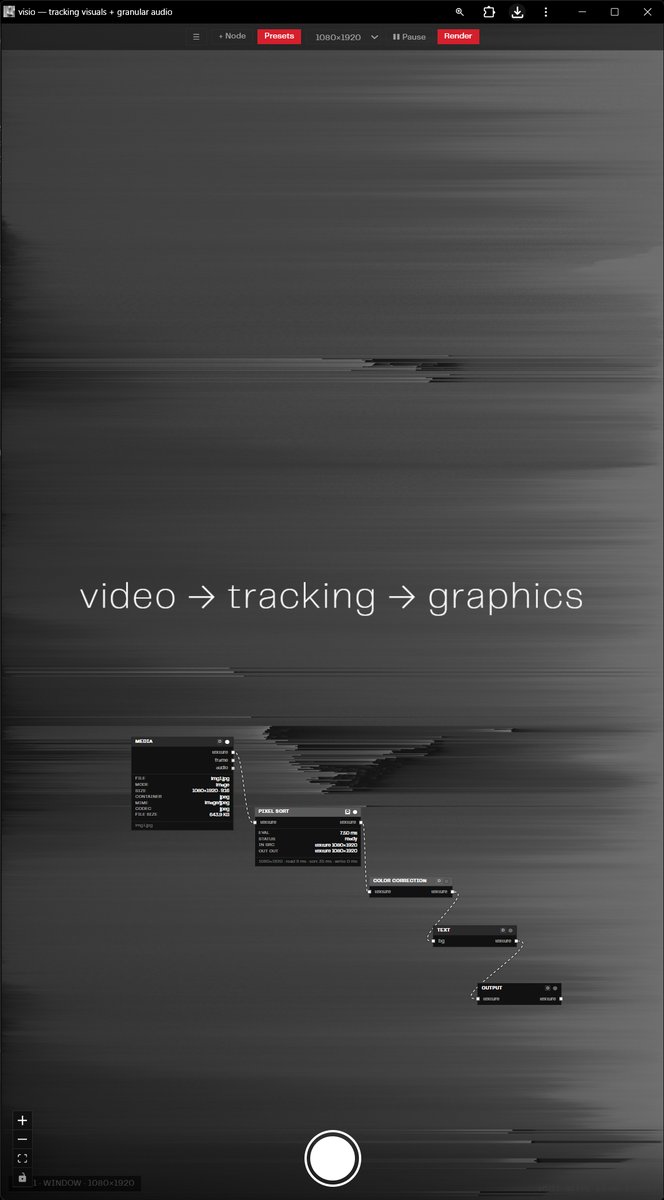
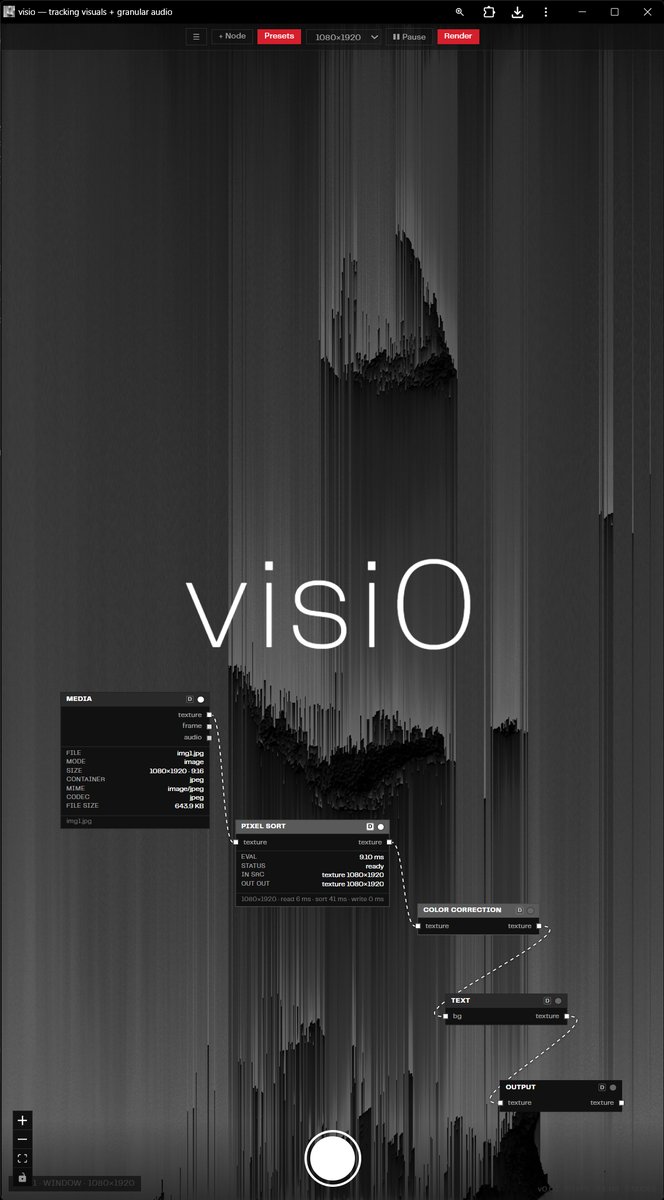
Ports are strongly typed (frame, texture, landmarks, points, boxes, etc.). Incompatible connections are simply refused. The engine is completely decoupled from the React UI: the interface only describes the graph; every frame an imperative WebGL2 runtime walks the nodes in topological order and writes into textures. Coordinates are normalized once at the source so drawing nodes never remapping. Heavy CPU detectors (Hough, corners) can run in a worker.
The interface is designed for portrait 1080×1920 — the node graph sits over the image, with presets and recording. It feels closer to a performance or installation instrument than to a desktop editing suite.
Why it matters
- Live AV sets: a camera watches a body or a space and the patch answers with geometry and granular texture.
- Synesthetic experiments: the same points draw and sound at the same time.
- Rapid prototyping of computer-vision visualizations without leaving the browser or exporting to TouchDesigner / cables.gl / After Effects.
- Formal research: what remains of a face, a room, or a crowd when only corners, skeleton, and grid are left.
Visio is a deliberately simplified cables.gl focused on one job — making tracking data visible and audible in real time, directly in the browser, with zero installation. The source is open.
Drop your own video or open the camera and the character of the project becomes immediate: this is not “processing a clip,” it is a system that looks and replies.
Related
- Features + Grid — Shi–Tomasi corners and a Mondrian-style grid, no inter-frame tracking
- Source: github.com/alexeyroudenko/visio